
Quick guide
8 things your tax software should do natively — and what the gaps cost
Every tax platform files a return. The difference shows up between the steps. That space is where the work lands on your staff:
- A federal number changes, and someone re-enters it in every state return
- A brokerage statement arrives, and someone types it in line by line
- A return gets signed on Tuesday, and someone chases the invoice in June
Up to 45% of firms can’t find qualified staff, according to the 2025 State of Tax Professionals Report. None of this is a software problem. All of it is a labor problem, and no firm hires its way out of that.
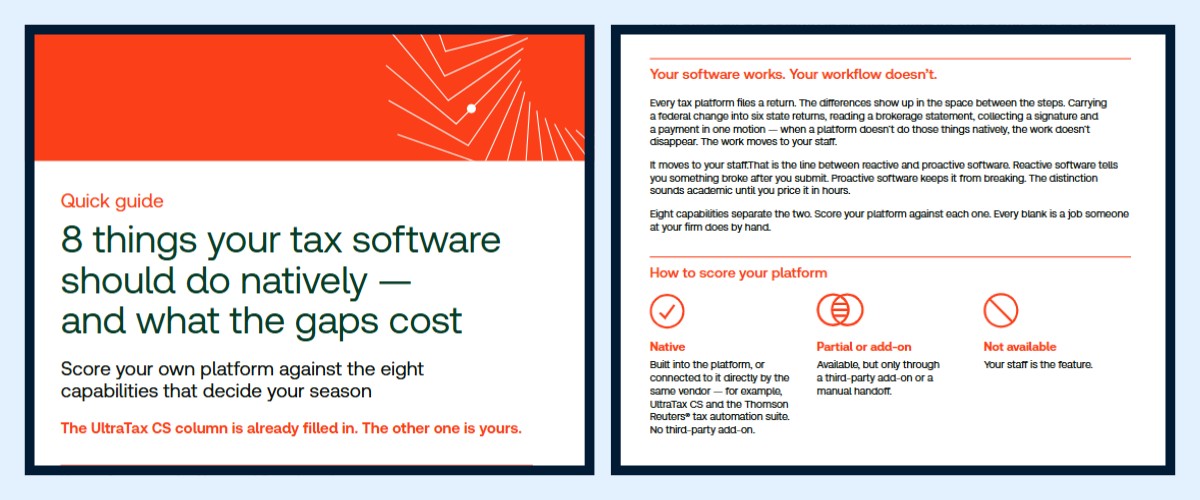
The guide lists the eight capabilities that decide how much of your season goes to manual work — federal-to-state cascade, OCR extraction, K-1 import, built-in payment collection, and four more. The UltraTax CS column is filled in. The other one is blank. Score your platform and count the blanks. Every blank is a job someone at your firm does by hand.
Download the guide, fill in your column, and pick one gap to close before January.

