
Seven questions to test any all-in-one tax workflow platform before you trust it with busy season
Highlights
- “We handle everything” is a claim to test: Ask where a tax workflow platform begins and ends, and count handoffs rather than logins.
- Ask who checked every number, from time savings to adoption rates, and whether the AI’s answers trace back to a source you can defend.
- Adopting a tax workflow platform should not force you to change the tax software you already run, so ask whether you can start with one piece.
We see it before every busy season: a new platform promising to handle the entire tax workflow, start to finish, with one login for your clients. The pitch is all-inclusive. Lately, vendors layer AI on top.
The frustration behind the pitch is real. Firms are tired of stitching tools together (SaaS sprawl) and retyping the same W-2 into three different systems, because tools that are supposed to talk to each other don’t.
But “We do it all” is the easiest thing to say in tax software and the hardest to deliver. Covering one stage of the workflow well takes years of unglamorous work. Covering all of them takes longer than most of the companies making that claim have existed.
AI is where the pitch has gotten loudest and hardest to check. Putting a model behind a workflow isn’t difficult anymore. Building one a firm can sign its name to is a different project. Anyone can stand up an AI tool in a weekend. Far fewer can show you where its answers come from.
Some tools also ask you to change several things at once: your workflow layer, where your software lives (i.e., cloud, desktop), or both. Those are separate decisions with separate risks, yet vendors often sell them as one.
A bundled pitch isn’t automatically a bad one. But it makes “We handle everything” a claim to test. These seven questions can do most of the testing, and they work on any vendor you’re evaluating (Thomson Reuters included).
Jump to ↓
7 questions worth asking anyone, including us
The ecosystem answer: Gather, prepare, review, deliver, file
What it looks like in practice
7 questions worth asking anyone, including us
1. Does the solution cover the whole engagement, or just a slice with gaps on both ends?
Think about everything a single return touches:
- Client intake and document gathering
- Organizers, request lists, and document management
- Data extraction and preparation
- Review and workpaper assembly
- Secure delivery and e-signatures
- K-1 distribution, payment vouchers, and e-file authorization
- E-file transmission and IRS acceptance tracking
- Status tracking, so you always know where each return stands
Start by asking where a tax workflow platform begins and ends; some stop where you least expect.
This workflow has two audiences. Part of it is what your clients touch: gathering documents, reviewing the return, signing, and paying. The rest is where your staff works during busy season: extraction, workpapers, and review. A platform can be strong for clients and weak for preparers, or the reverse.
That split is exactly how SafeSend and SurePrep divide the work. SafeSend owns the client experience at both ends; SurePrep owns the firm experience in the middle. Ask any vendor which half it does best.
Next, look at how the pieces connect. Every time a person moves data by hand because two steps don’t talk, that’s an expense. Only 41% of firms describe their tech stack as fully integrated, and accountants lose roughly five hours a week moving and reentering data between tools.
A single, all-in-one tax workflow platform can still make you move data between its own steps, which is the part the “one-login” pitch tends to leave out. Two products that pass data to each other automatically will outperform it.
Count the handoffs, not the logins.
2. Does the feature grid survive contact with a real return?
A comparison chart tells you that a tool has e-signatures. It doesn’t tell you what happens when a spouse can’t find the signing link, knowledge-based authentication fails on the third try, or a Form 8879 has to route to two signers in two states. That gap, between having a feature and handling its hardest case, is where platforms differ most.
Depth shows up when the return isn’t simple:
- The multi-state filing
- The partnership with 30 K-1s
- The client who uploads 40 documents in the wrong order and names every one of them “taxstuff.pdf”
- The review day when 400 returns land at once
Any tool can demo the easy path. What you’re buying, though, is everything that happens off it. Take any feature comparison you’re handed, pick three rows, and ask what the exception looks like. That exercise separates platforms faster than another demo will.
3. How many busy seasons has it been through?
Software gets good at tax the way preparers do: by living through many busy seasons.
Edge cases don’t surface in a product roadmap. They surface at 2 am on deadline day, when one document type breaks a rule no one thought to write down. Every mature tool carries a long and painful history of finding and patching those failures, one real season at a time. That history is rarely marketable, but it’s most of what you’re buying.
A tax workflow platform that showed up a busy season or two ago hasn’t had the practice. It hasn’t pushed millions of returns during peak load, which means it hasn’t found where it buckles yet. That’s not a knock on ambition. But a new tool has no track record, and your clients’ returns shouldn’t be where it builds one.
4. What does it save per return?
Per-user and per-month pricing is easy to compare on a spreadsheet and tells you almost nothing, because it ignores what the tool gives back.
Instead, ask for the number that matters: What does a delivered return cost your firm in software and staff time, before and after automation? Then ask them to show their math (and ask who checked it).
At Thomson Reuters, we publish ours. Firms using SafeSend save about 15 minutes on every return and roughly $12,000 for every 1,000 returns delivered. Assembly and delivery run three to four minutes, rather than the 20-plus minutes a manual process usually takes. Whatever a platform charges per user, what reaches your margins is the cost per return.
Run your own numbers with the ROI calculators for SafeSend and SurePrep. Then ask any vendor selling you an all-in-one tax workflow platform for the equivalent tool. If they can’t hand you a calculator, they’re asking you to trust the number instead of checking it.
5. Can you defend what the AI did?
Every platform in this category has AI now, so the mere presence of AI tells you nothing.
Tax sets a higher bar for AI, and the reason is structural: you sign the return. When a position is questioned eight months later, the software isn’t in the room. You are, and “the tool did it” won’t hold up. An answer you can’t trace to a source isn’t an answer you can use.
Start by asking what’s underneath the AI:
- What sources was the model built on?
- Does it cite what it used?
- Does it leave a record?
A confident answer and one built on tax authority you can point to are different things: the first is a demo; the second is something you can put your name on.
That’s the standard behind the AI in SafeSend and SurePrep. It’s built on 175 years of Thomson Reuters knowledge. When Fiduciary-Grade AI™ recognizes a document, extracts data, or flags a discrepancy, there’s a curated body of tax authority behind the call, and a record a reviewer can check.
6. Do your clients finish it?
Adoption numbers are easy to make impressive and hard to read correctly.
A strong first-year figure tells you a tool had a good first year with clients who tried it. That’s worth something, but it’s not the same as knowing it works. Ask who verified the number, because many adoption statistics in this category come from the vendor itself.
What matters is whether completion holds up across everyone you serve. That includes the client who forwards everything to a spouse, the one who does it on a phone at midnight, and the one who gives up three steps in and calls your office.
A tax workflow platform’s real test is your least tech-comfortable client. If a vendor can’t speak to that, the number they’re quoting you is thinner than it sounds. Ask for the range it covers: how many seasons, how many firms, how many returns.
When a client can’t finish, the work doesn’t disappear. It becomes a phone call, then a follow-up email, then someone on your team walking a client through the process during the second week of April.
If your clients don’t finish it, you do.
7. Does it connect to the engine you already run?
Many platforms in this category sit beside your tax software rather than connecting into it. They collect documents, organize them, and hand the results back, and the tax engine stays a separate world you export to and import from.
That approach is reasonable, but the link is only as strong as the integration behind it, and integrations vary.
Three things worth asking:
- Does this connect to the engine we prepare and file in, or does it stop at the edge?
- Does adopting it change anything about where our software lives?
- Can we start with one piece rather than committing to all of it at once?
That third one matters most. A tax workflow platform that solves fragmentation by requiring you to rebuild everything around it hasn’t solved the problem; it’s just moved the cost.
There’s a second risk. When one new platform owns intake through payment, it owns your single point of failure, too. One outage, or one support queue that goes quiet during the worst time of the year, and the whole workflow stops with it. You’re not down a tool at that point. You’re down the tool.
The ecosystem answer: Gather, prepare, review, deliver, file
Here’s where the Thomson Reuters approach differs, and it’s something a standalone workflow layer can’t match.
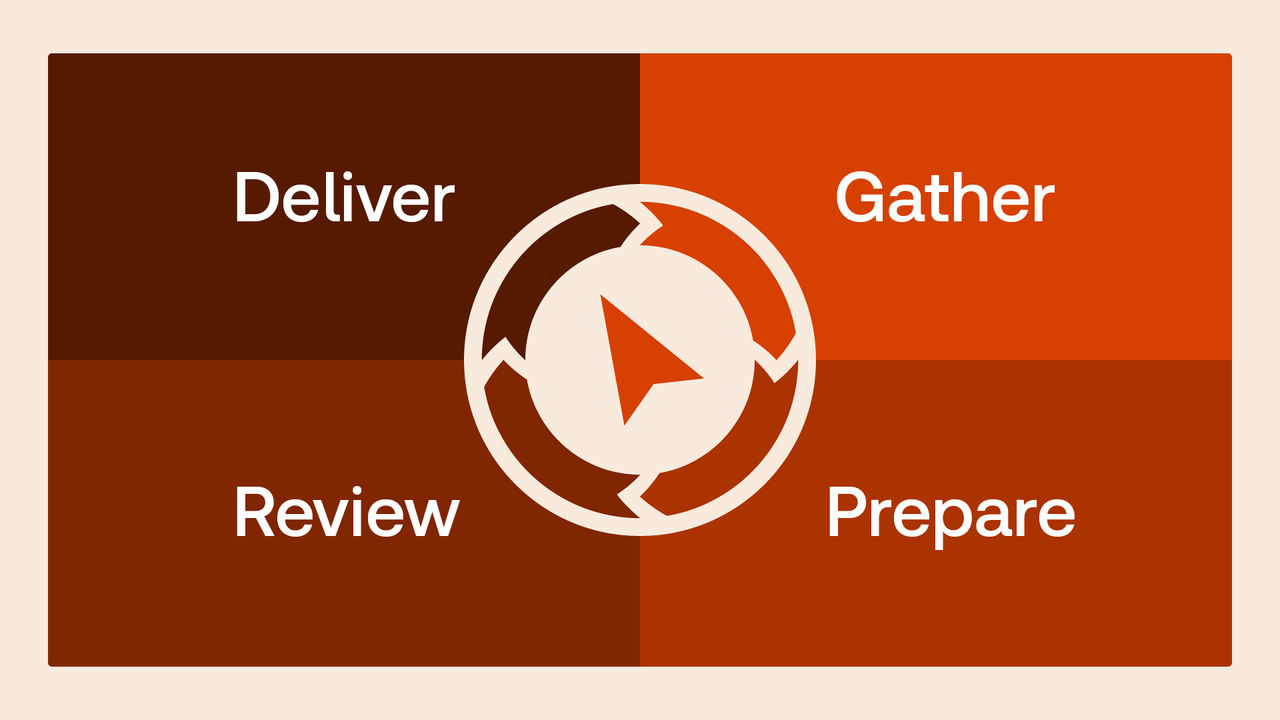
SafeSend and SurePrep don’t sit beside your tax software. They connect with it, as part of a suite built around the engine you already prepare and file in. For firms using UltraTax CS, that’s the tax automation suite. Five stages, five jobs, one workflow:
- Gather in SafeSend: Source documents come in through AI-assisted collection, organizers, and request lists, with real-time visibility into what’s arrived and what’s missing.
- Prepare in SurePrep: Documents move into 1040SCAN for automated binder creation, with no manual transfer. Extraction runs from inside UltraTax CS, and verified data imports straight into the return.
- Review in UltraTax CS: Two-year comparisons catch discrepancies on the spot. Error detection runs as you work, and multi-state lives in the same place as everything else.
- Deliver in SafeSend: Assembly, secure delivery, e-signatures, K-1 distribution, and payments.
- File with UltraTax CS: Once e-signatures are complete, the e-file goes out automatically or on manual release, with every status event tracked.
That’s the difference between products that integrate and products built to work as one.
It isn’t an all-or-nothing bundle, either. SafeSend and SurePrep are sold separately and work independently, so a firm can take one, take both, or start with one and add the other later. Any combination works with the engine you already run. They’re better together, not required together.
The ecosystem also extends beyond UltraTax CS. SurePrep exports to CCH Axcess™, GoSystem Tax RS, Intuit Lacerte®, and UltraTax CS, and covers 1040, 1041, 1065, 1120, and 1120S engagements. SafeSend also works across the major platforms and integrates directly with UltraTax CS (from the print menu)] and GoSystem Tax RS.
Behind it sits deep Thomson Reuters expertise in research, compliance, and workflow, built by people who’ve watched tax law change for generations. That’s a different kind of asset than a fast roadmap.

Get more insights in our exclusive tax automation guide!
See how fully integrated automation can drive each step of the tax process.
Download guide ↗What it looks like in practice
SurePrep serves the middle of the engagement, where your team works. 1040SCAN recognizes four to seven times as many tax documents as other competing solutions, and eliminates the need to verify optical character recognition (OCR) data for 65% of standard documents by combining patented text-layer matching and AI.
The verification figure is the one that matters. Verification is a step in the process, not something bolted on afterward. The work lands in a binder indexed in return order, so a reviewer can put the extracted figure next to the source document and check it. An answer you can review is a different product from an answer you simply receive.
Then there are the seams between stages. Documents gathered in SafeSend move into extraction without a manual transfer. Finished workpapers move into delivery without rekeying. That second seam is where many stacks fall apart. Workpapers are done, the return is ready, and someone ends up rekeying the data to get it out the door.
On the client side, signing requires no account or password. That’s no longer a differentiator; it’s the baseline.
So, can you trust it?
That’s a fair question. Here are seven answers you can check.
- Do our solutions cover the whole engagement? Yes, from intake through filing, with both handoffs automated and each half built for the people who use it.
- Does the feature grid survive a real return? Test us on the multi-state return, the 30 K-1 partnership, and the Form 8879 with two signers in two states.
- How many busy seasons? Released in 1996, UltraTax CS has been a staple of busy seasons for more than 30 years. Founded in 2002, SurePrep’s 1040 tax preparation solutions have supported firms for more than 20 years. Founded in 2008, SafeSend’s tax preparation solutions have supported firms for more than 15 years.
- What does it save per return? Firms using SafeSend save about 15 minutes and roughly $12,000 for every 1,000 returns.
- Can you defend what the AI did? Verification is built into extraction, and the output lands in an indexed binder where a reviewer can check the figure against the source document.
- Do clients finish it? Across more than 13 million returns, 94% of e-signatures are completed within 15 days with SafeSend.
- Does it connect to the engine you already run? UltraTax CS, GoSystem Tax RS, CCH Axcess™, ProSystem fx® Tax, and Intuit Lacerte®? Yes. That’s the whole design.
None of this asks you to take our word for it. These questions have answers, and a vendor who can’t give them is telling you something.
Modernizing your workflow shouldn’t require rebuilding your firm around a vendor. Your clients trust you because you’ve earned it over the years, not because of a good first impression in a meeting. It’s a fair standard to hold a vendor to.
Ask us all seven questions. We’ll show you our work. Ready to see how the tax automation suite answers them? Schedule a free, no-commitment demo.
Your workflow shouldn't work against you
Thomson Reuters delivers the complete solution: a purpose-built, integrated suite that transforms every step of the tax workflow (from document gathering through final delivery) with seamless, end-to-end automation.
See for yourself ↗